
Documentation Index
Fetch the complete documentation index at: https://docs.apigo.ai/llms.txt
Use this file to discover all available pages before exploring further.
Install Codex CLI
Install Codex CLI globally withnpm:
Configure ApiGo API
Important: clear OpenAI environment variables before use Before configuring, clear the following OpenAI-related environment variables so they do not override your ApiGo settings:
OPENAI_BASE_URLOPENAI_API_KEY
Choose an integration method
- @apigo/vibe-coding
- Manual configuration (Current)
@apigo/vibe-coding corresponds to the interactive terminal tool Agent CLI Switch. This flow writes and switches Codex config for you directly.Follow the flow shown in the screenshots:- Open Agent CLI Switch v0.1.0.
- In the Main menu, choose Configure tools.
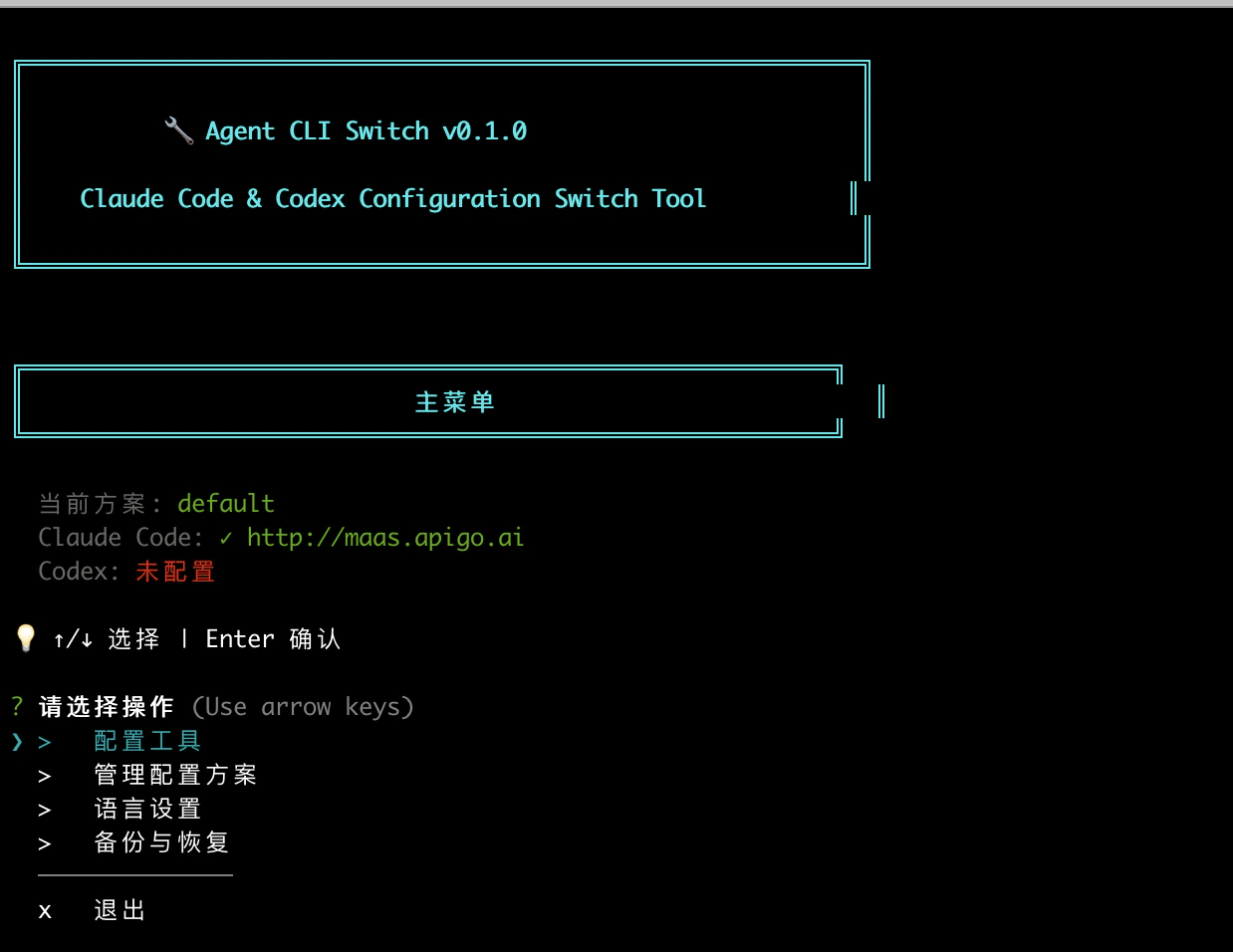
- In Select tool, choose Codex.
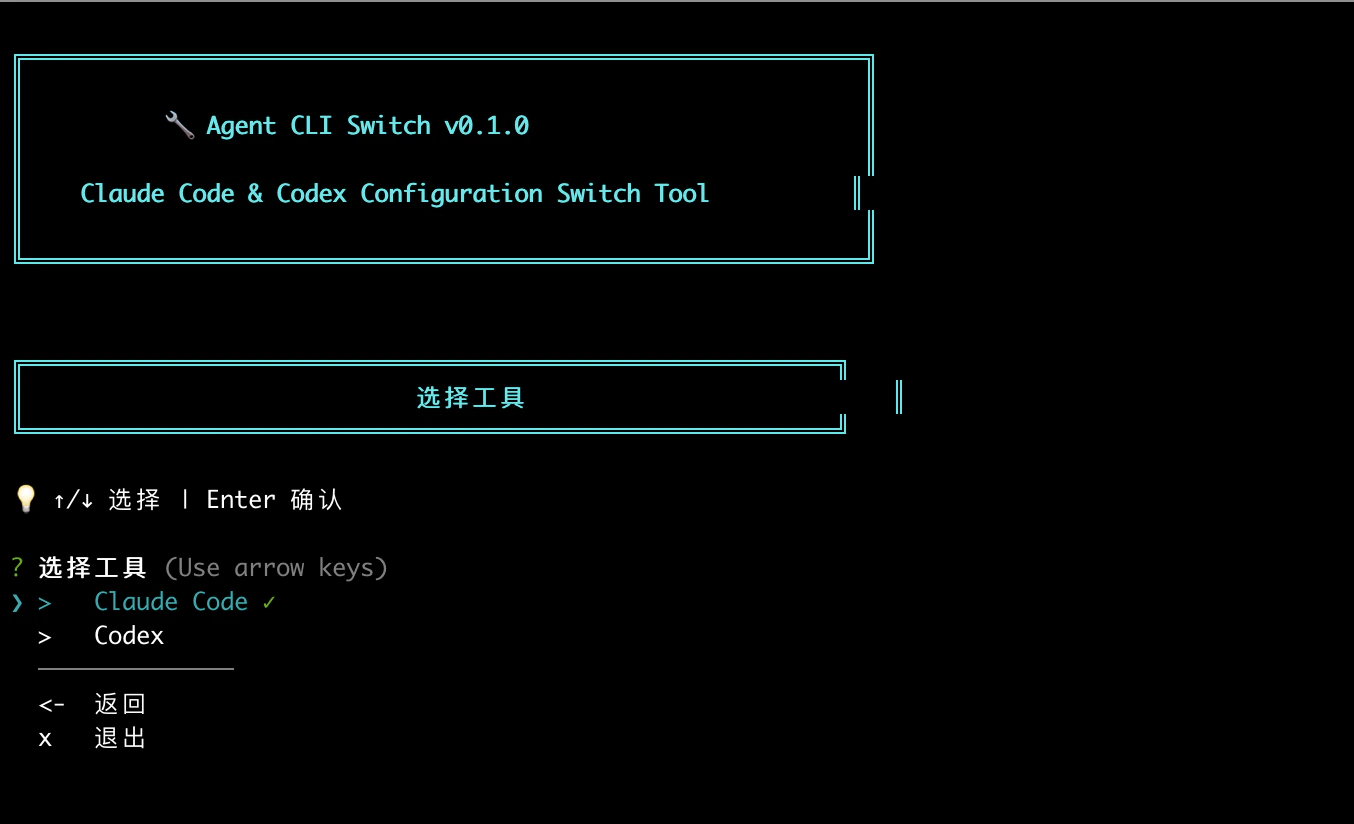
- In Codex edit config, enter:
API URL:https://maas.apigo.ai/v1API Key: your ApiGo key - After you see the config-saved prompt, choose to apply the configuration immediately.
codex directly. Before you use it, confirm the currently supported Token Plan model IDs in the Model Catalog, then choose the model you need.